
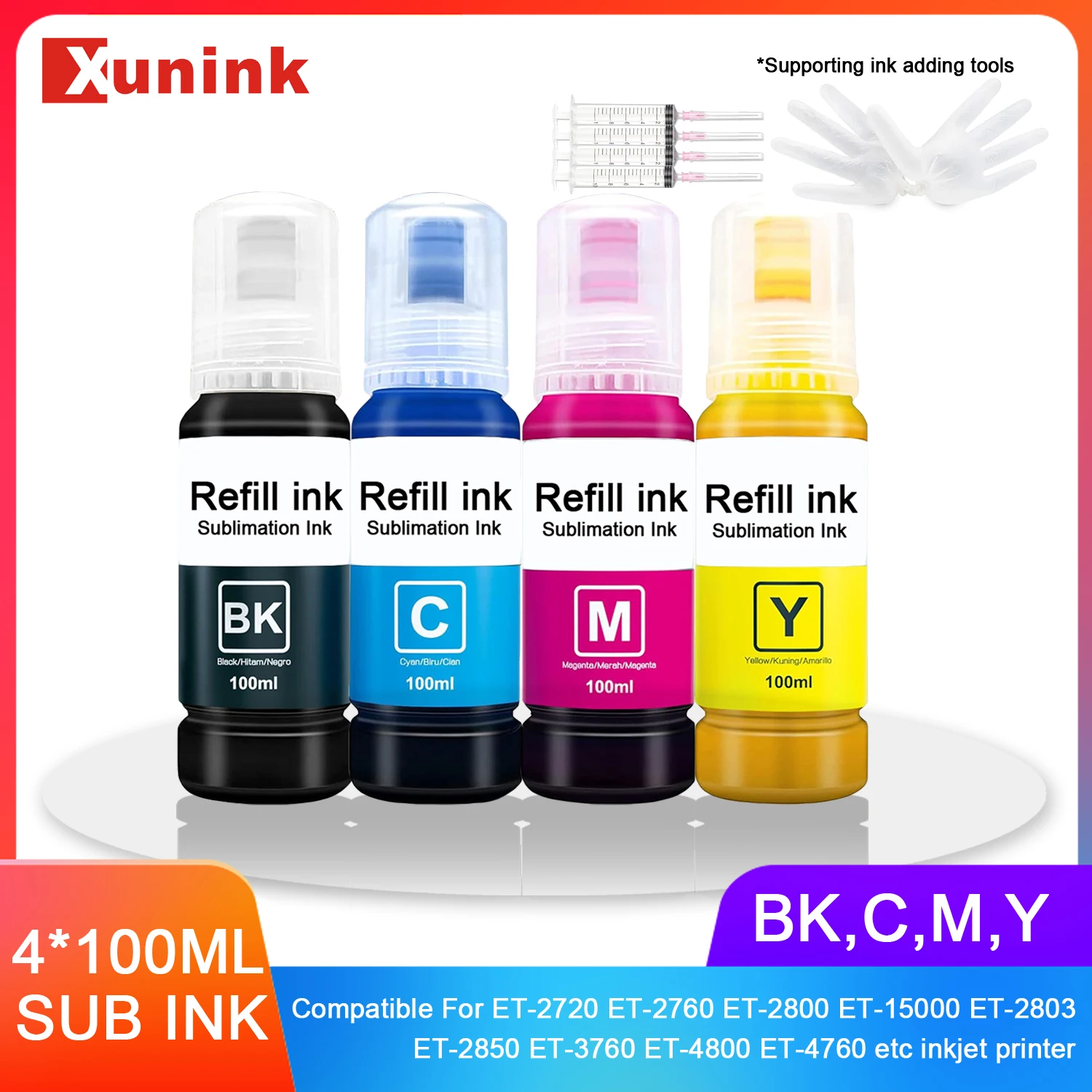
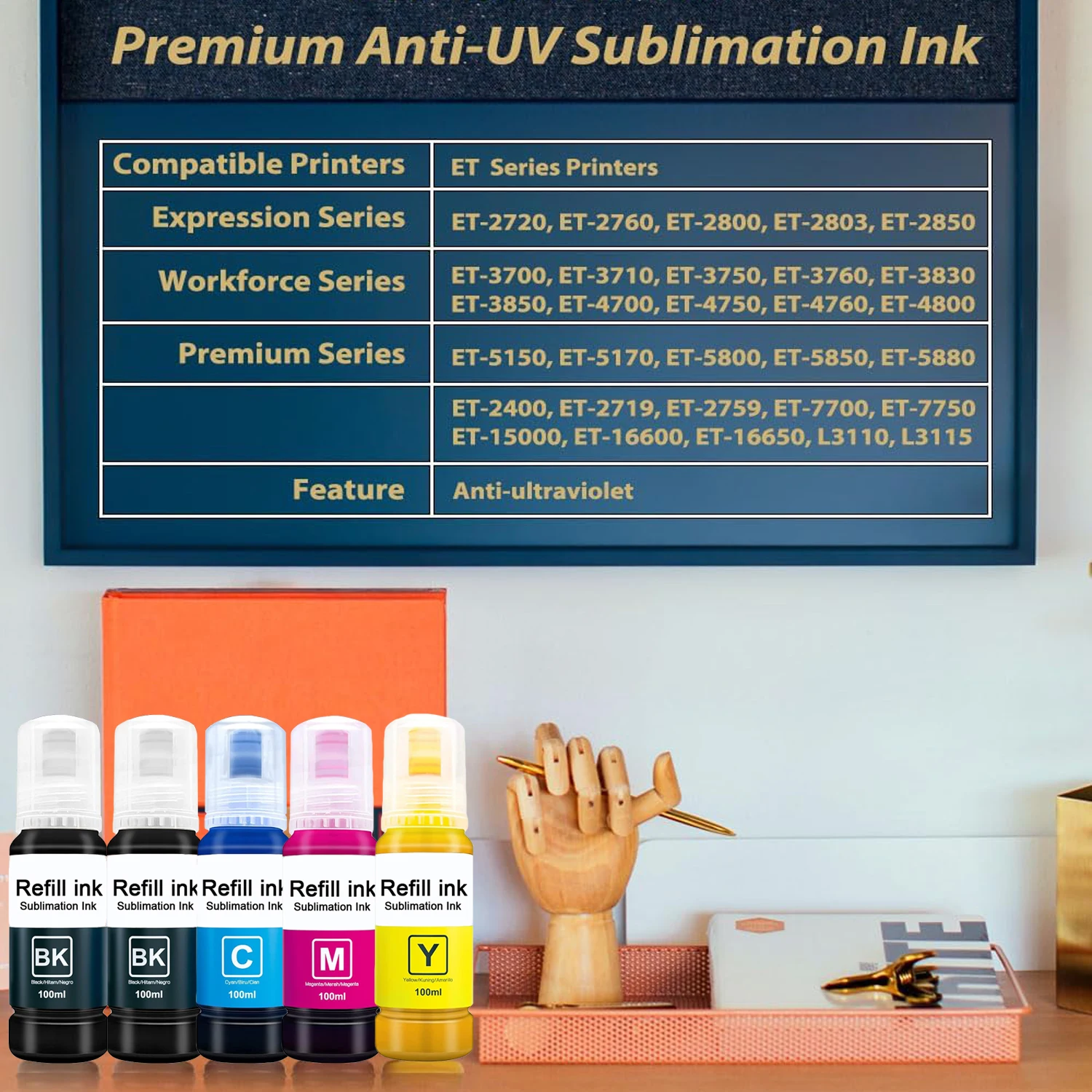
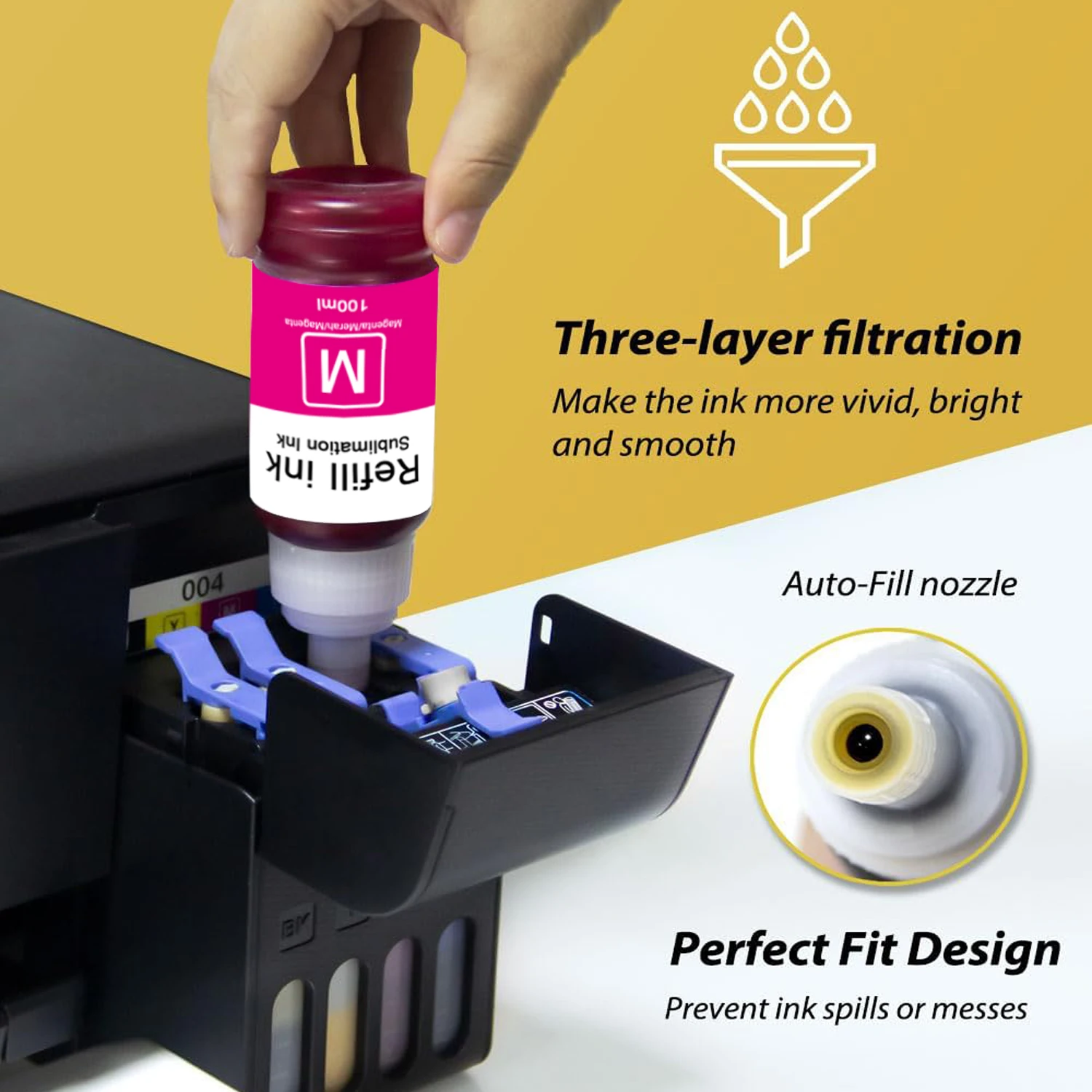


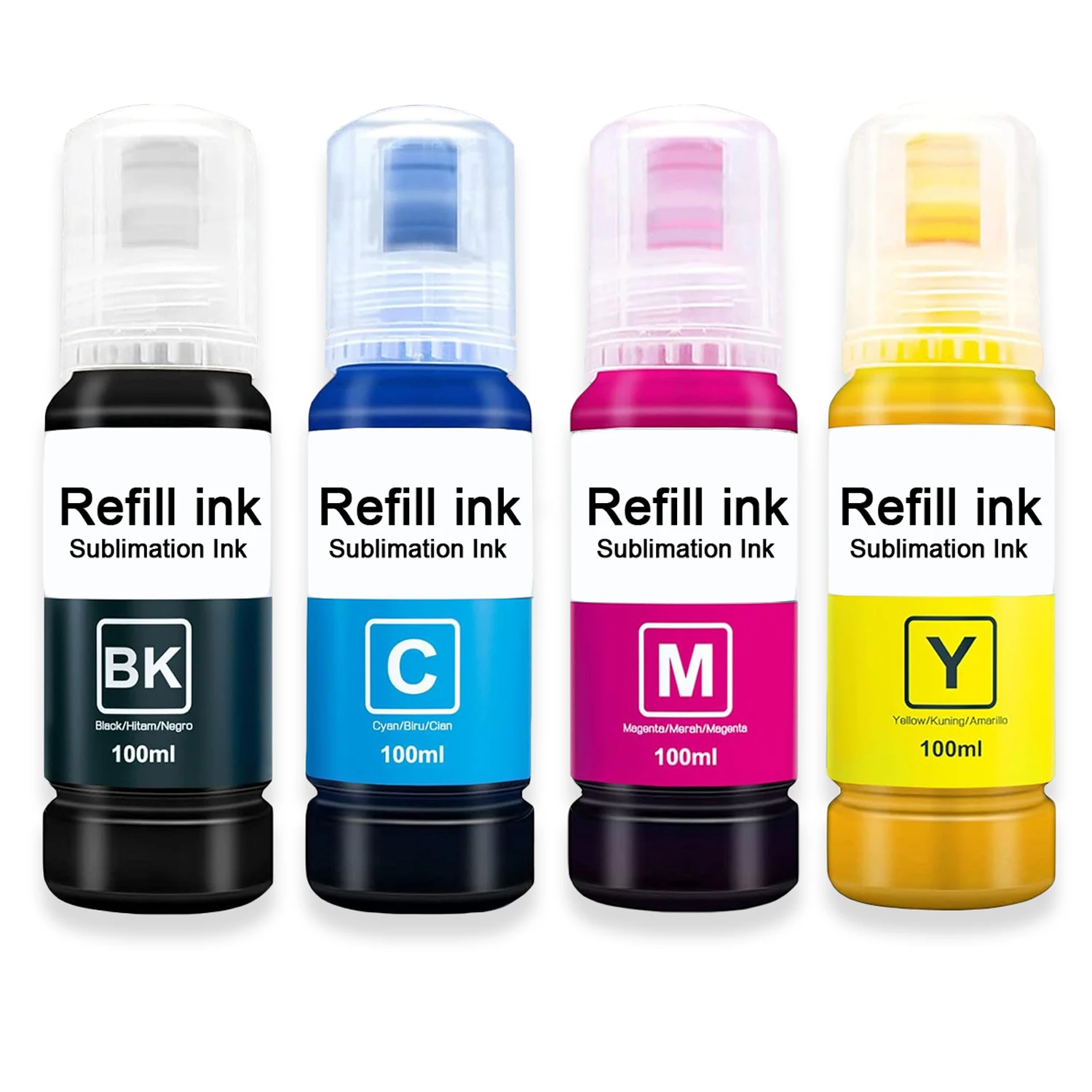
Product Description
Sublimation Tips & Tricks
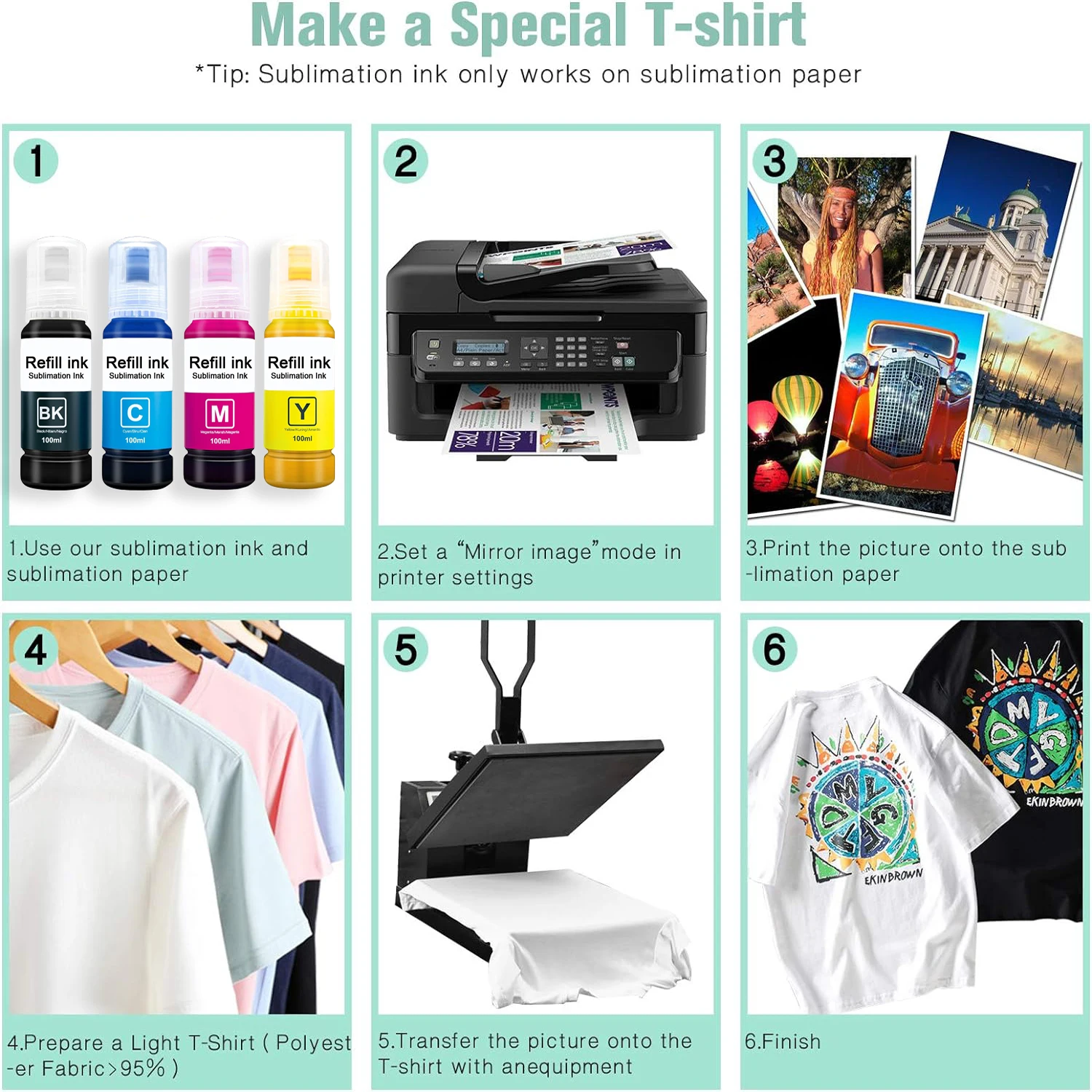
Sublimation prints come out dull and muted and will brighten up after being pressed.
Best print settings:
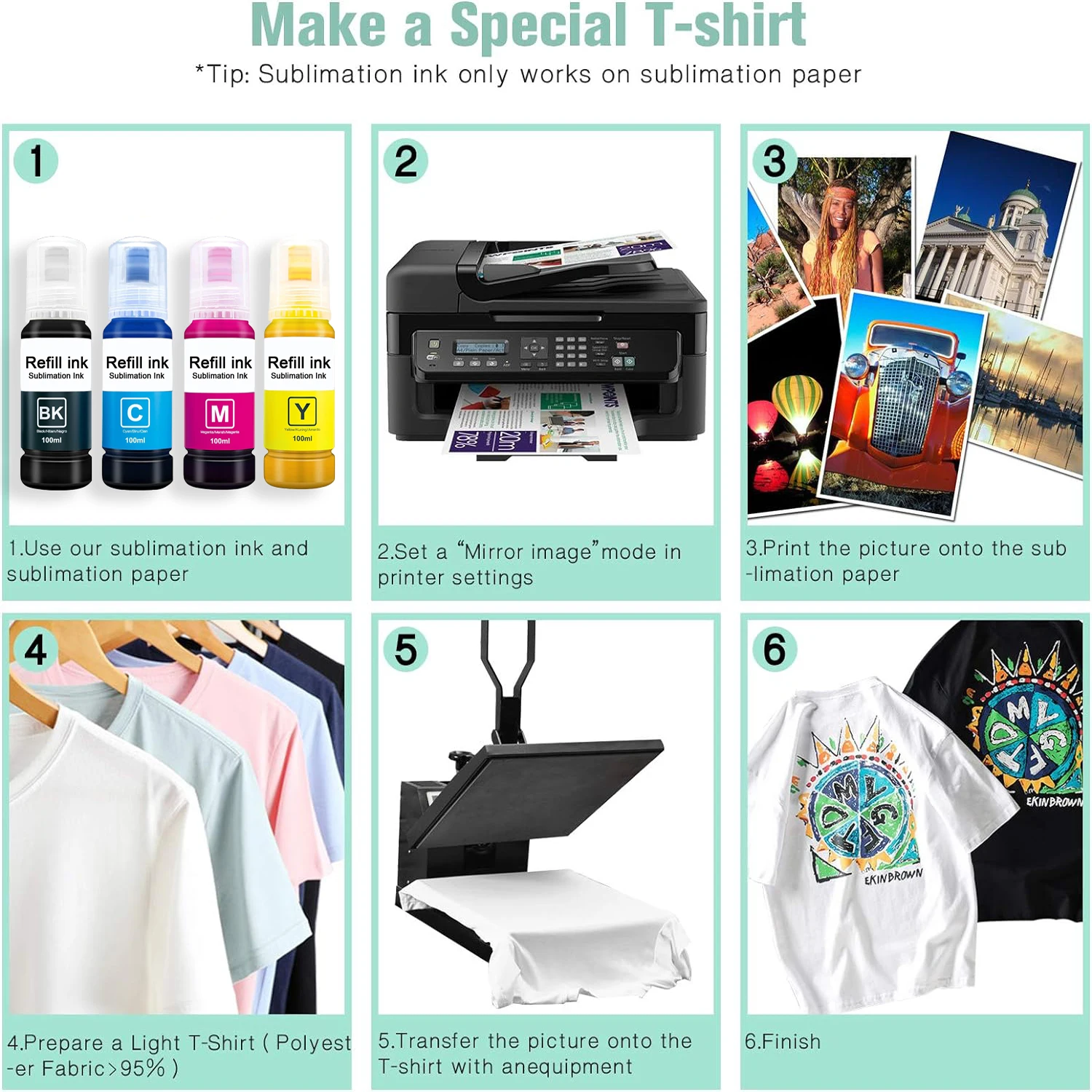
Use the following printer settings to make your colors pop.
To change settings on Windows, open Start > Settings > Devices > Printers & scanners, click your sublimation printer, and then head to Manage > Printing preferences. Under the Main tab, change Paper Type to Premium Presentation Paper Matte and choose Quality as High. Under the More Options tab, Check off High Speed and check on Mirror Image.



Valoraciones
No hay valoraciones aún.